How to delete temporary files in browsers with Macintosh OS
Skip information indexHow to delete temporary files from the Safari browser on a Macintosh
To delete cookies and temporary cached files from the Safari browser on the Macintosh operating system, you have three options:
-
In the browser's menu bar, click on "Record"and enters"Clear history....
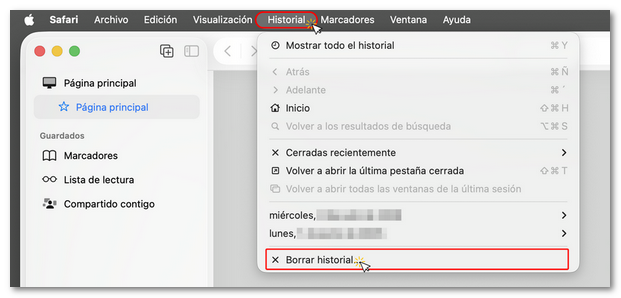
-
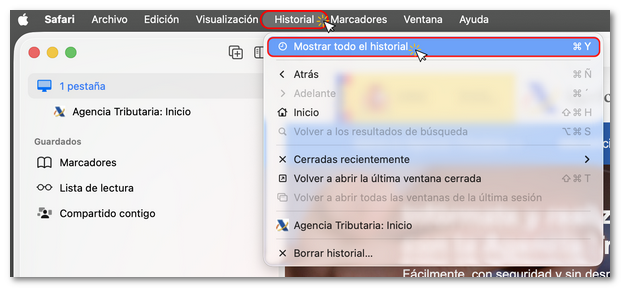
Or in the Safari menu bar, click on "Record", "Show full history"
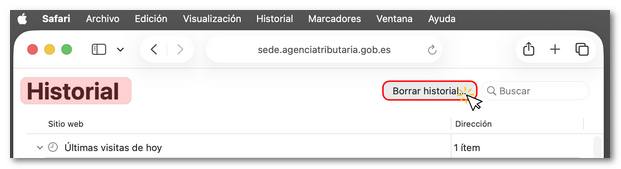
And in the next window, click on "Clear history"
-
Also, from the menu bar, enter "Safari" and in the drop-down menu click on "Clear history....
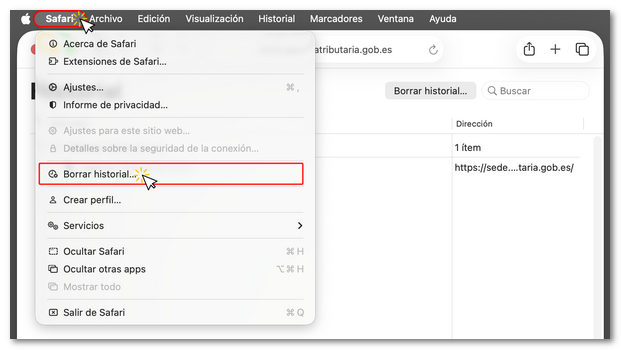
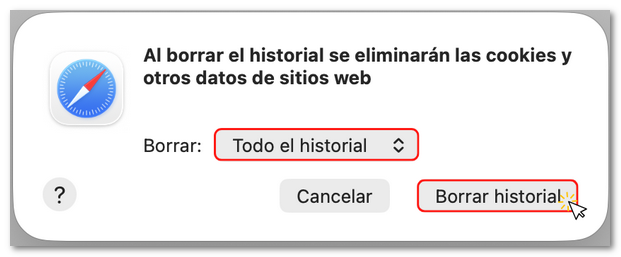
From any of the three options you will access the same pop-up window. Select "The entire history"and then, press "Clear history"