Electronic submission of Form 791 for customs representatives, using a certificate or Cl@ve
You can submit applications using an electronic certificate, an electronic DNI or Cl@ve.
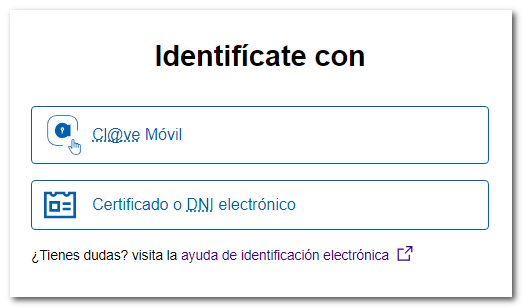
Before accessing the presentation, we recommend that you check the technical requirements for carrying out formalities at the Head Office.
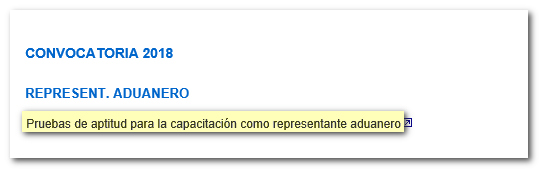
Click on the link ‘Aptitude tests for training as a customs agent’ to access the form, submit your application and pay the fees, if applicable. Please fill in the boxes that require text or use the drop-down menus where available. Please note that you may make as many changes as necessary; however, once the application has been submitted, you will no longer be able to make any changes to it online.
Once you have completed the form, if you need to pay any fees, enter your bank account details in the ‘Customer Account Code (CCC)’ section and click on the ‘Pay Fees’ button. If you are exempt from paying, click the ‘Sign and Send’ button that appears when the amount is zero.

Enquiries regarding the progress of the process may be sent by email to pruebasaptitud.rep.adu.@correo.aeat.es. Please note that this email address will never be regarded as an electronic registry. There is also a telephone number available: 91 728 99 57 for enquiries and information about registration.
Once payment has been made, the application will have been recorded and you will be able to print a PDF of the proof of payment confirming its submission by clicking on ‘Obtain receipt’.
The receipt for the application will consist of a copy bearing a registration number and a reference number, as well as the date of submission. Furthermore, to retrieve your application receipt or check whether your registration has been submitted successfully, you can use the ‘Payment/Application Enquiry’ option.
Submission of documentation
Without prejudice to the submission of the application, where applicable, the supporting documentation set out in section 5.6 of the Resolution on the call for applications must be submitted.
In accordance with the instructions in clause 5 of the aforementioned Resolution, this submission must be made via the ‘Submit supplementary documentation’ option provided within the formality itself.