How to claim a refund of undue income
NOTE: A refund of undue income relates to payments made in connection with formalities handled by the Tax Agency. The AEAT (State Tax Administration Agency) cannot process any refunds relating to payments made to organisations other than the Tax Agency.
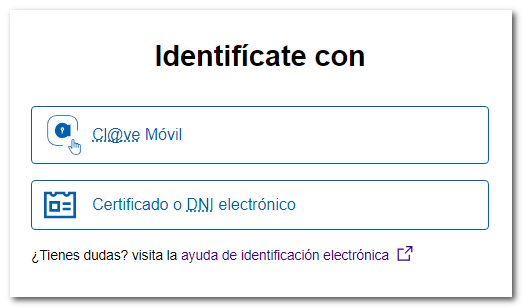
To submit the form, the declarant must authenticate their identity using an electronic certificate, an electronic DNI or Cl@ve.
In addition to the person to whom the tax return relates, it may also be submitted by a third party acting on their behalf, whether a social collaborator or an authorised representative carrying out the formality.
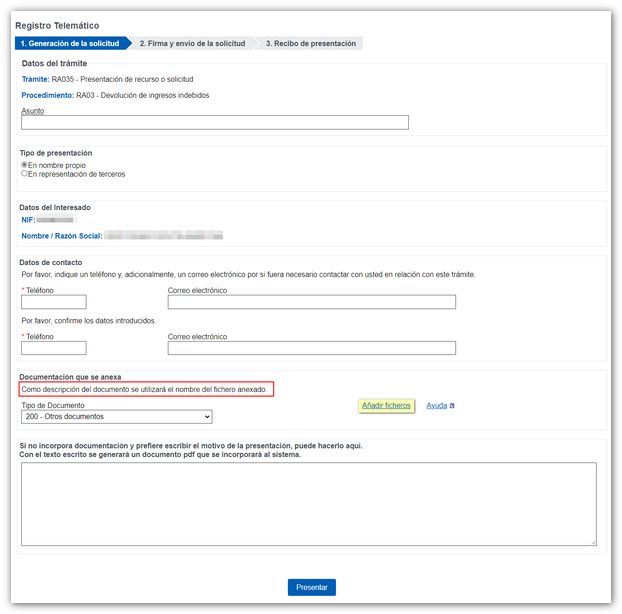
Complete the form by selecting the type of tax return: on your own behalf or on behalf of a third party (in which case you will need to provide the tax identification number of the person concerned). Click on the ‘Add file’ link to select the file containing the documentation you wish to submit. Under the ‘Help’ link, you can view the list of supported file formats for this formality; the maximum permitted size for each file is 128 MB.
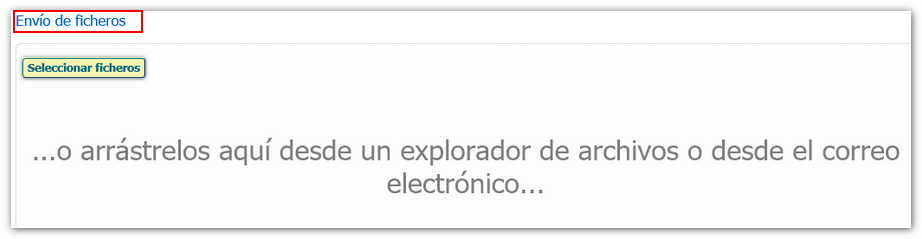
Select or drag the file. It is best if the file name does not contain any punctuation marks and is saved on your local drive, in the "AEAT(State Tax Administration Agency)" folder.
The attached file will appear in the ‘Annexed documentation’ section.

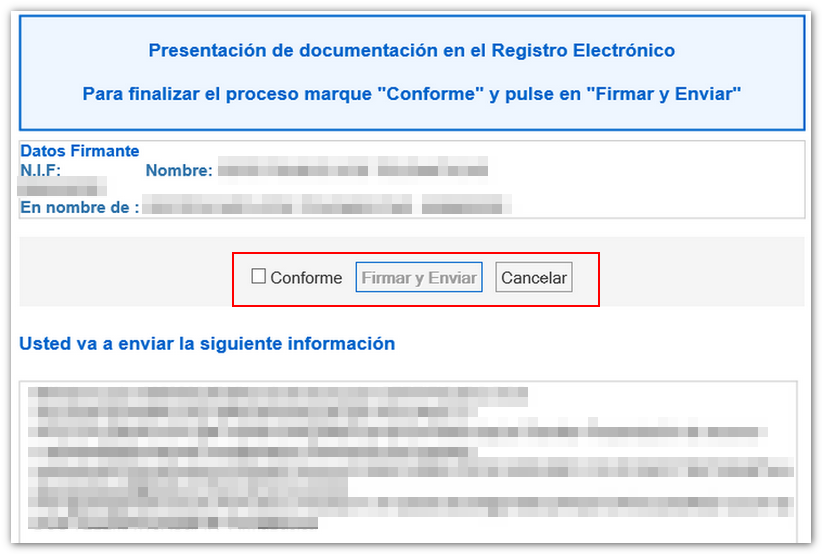
Once you have finished annexing the files, click ‘Submit’, tick ‘I agree’ and then ‘Sign and send’