Introduction
Using the option to modify the declaration, you can either file a corrective self-assessment or change the taxation option you choose.
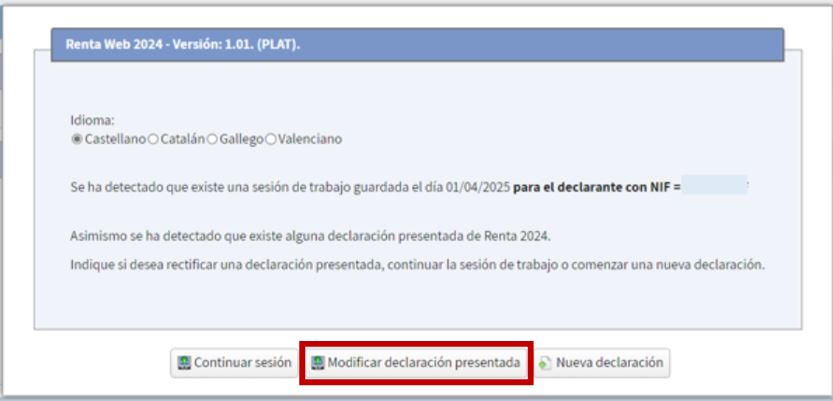
Once the return has been filed, this situation will be detected when you access Renta Web again, so to modify it you will have to click on "Modify filed return":
The declaration summary will display the result of the declaration initially submitted.
To correct, complete, or modify the self-assessments filed for 2024 personal income tax, once the necessary modifications have been made in the "Modify 2024 Income Tax Return Already Filed" section of Renta Web, select the corrective self-assessment option.
Generally, you don't need to enter any data manually, as Renta Web automatically retrieves the receipt numbers, the income previously computed in each case, and any previously agreed refunds, and displays the corrective self-assessment result.
To change the taxation option in the "Modify 2024 Income Tax Return Already Filed" section of Renta Web, select "Change option."