Model 036
Skip the table of contentsApplication for a permanent tax identification number (NIF)
The “Application for a permanent tax identification number ” is made by submitting Form 036, available at “Form 036”. "Completion and online submission".
You can log in using Cl@ve, a digital certificate or your electronic DNI. If you have any queries about how to obtain an electronic certificate or how to register with the Cl@ve system, please consult the information available in the related content.
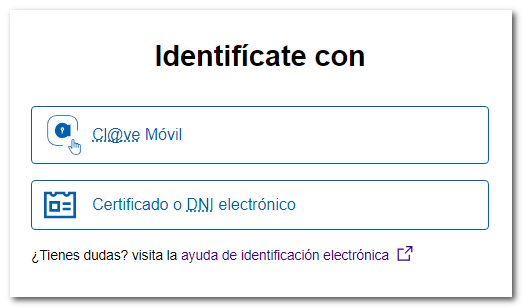
If the person filing the tax return does not have an electronic certificate, the person submitting the return must be authorised to file returns on behalf of third parties, either because they are registered as a collaborator or because they have been empowered to carry out this formality.
Once you have completed the form, a PDF version of the tax return will be generated, which you can print out to submit in hard copy along with the necessary documentation.
To view the tax return , you will need to have a PDF viewer installed .
When completing the form, you must use the characters included in the following list:
| CHARACTER | TEXT | DECIMAL CODE | HEX CODE. |
|---|---|---|---|
| White | 32 | 20 | |
| & | Ampersand | 38 | 26 |
| ‘ | Comilla | - | 27 |
| ( | Stop. Law. | 40 | 28 |
| ) | Stop. Left | 41 | 29 |
| , | Comma | - | 2C |
| - | Script | 45 | 2D |
| . | Full stop | 46 | 2E |
| / | Bar | 47 | 2F |
| 0–9 | Numbers | 48–57 | 30–39 |
| - | Two points | 58 | 3A |
| ; | Semicolon | - | 3B |
| A–Z | Lyrics | 65–90 | 41-5A |
| _ | Low-case script | - | 5F |
| Ç | Cedilla | 199 | C7 |
| " | Double quotation marks |
The @ symbol can also be used in the email field.
If you already have a tax identification number (provisional or permanent) and need to obtain a duplicate, please consult the help section ‘Obtaining a new tax identification card or a duplicate tax identification number’.