How to enable the Income Tax box to obtain the reference
A new procedure has been created on the website that allows you to enable access through box 505 of the corresponding Income Tax return, currently box 505 of the Income Tax return for the 2024 fiscal year, to obtain the reference number that you had previously disabled.
To enable you to obtain the reference number with the amount from box 505, you will need to identify yourself with Cl@ve Mobile Cl@ve, electronic certificate or DNIe by clicking on "Enable Income box to obtain the reference number" in the "Disable and enable box" section located within "All procedures" in "Featured procedures" of the Income portal.
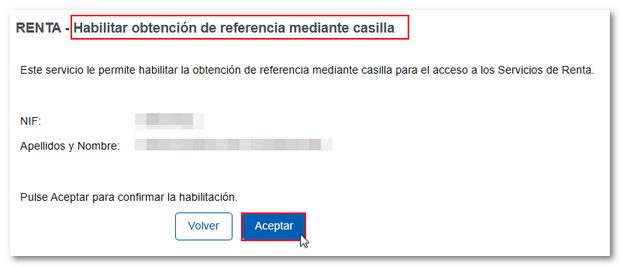
Verify the information and press "Accept".
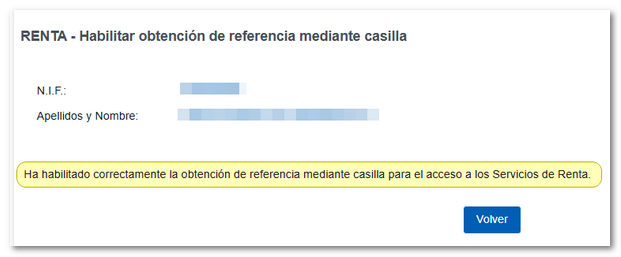
You will receive the message "You have successfully enabled the reference checkbox for access to Income Tax Services."
After enabling it, you will be able to obtain a reference using the amount in box 505 of the 2024 Income Tax Return. If the system detects that you did not file an income tax return for the previous year or the amount in the box was 0.00, it will ask you for the last 5 digits of the code. IBAN of a bank account that we know you held in the year 2025.