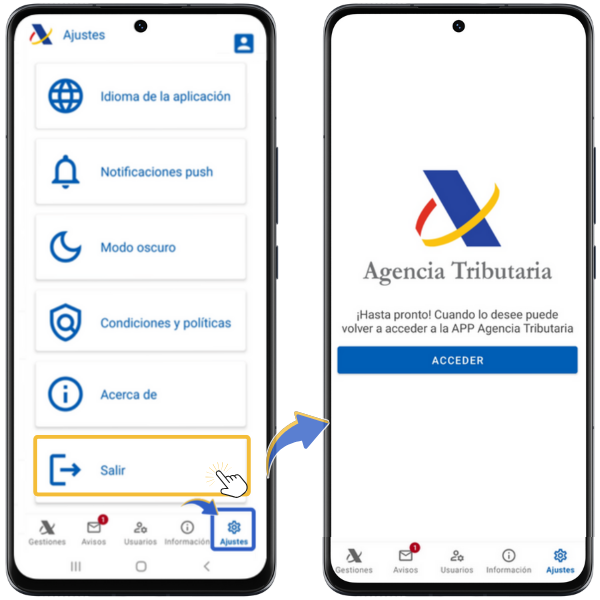
Other options and settings of the AEAT APP
Skip information indexAEAT APP settings
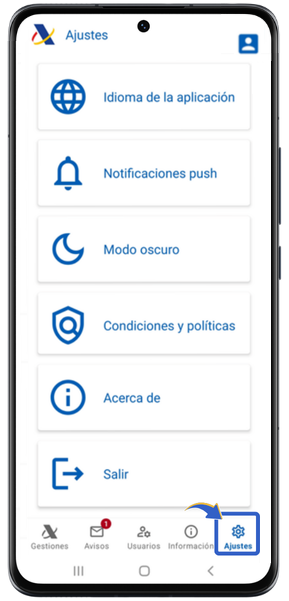
In "Settings", identified by the gear icon at the top, you have several options:
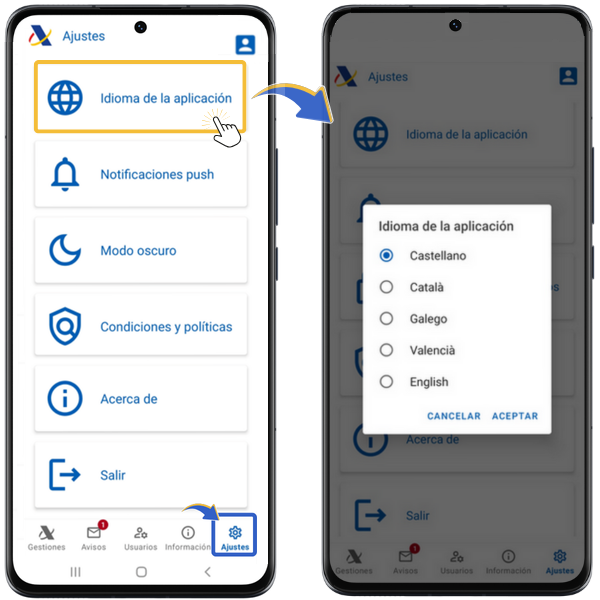
The option "Application language" allows you to select any of the co-official languages, Spanish, Catalan, Galician, Valencian or English.
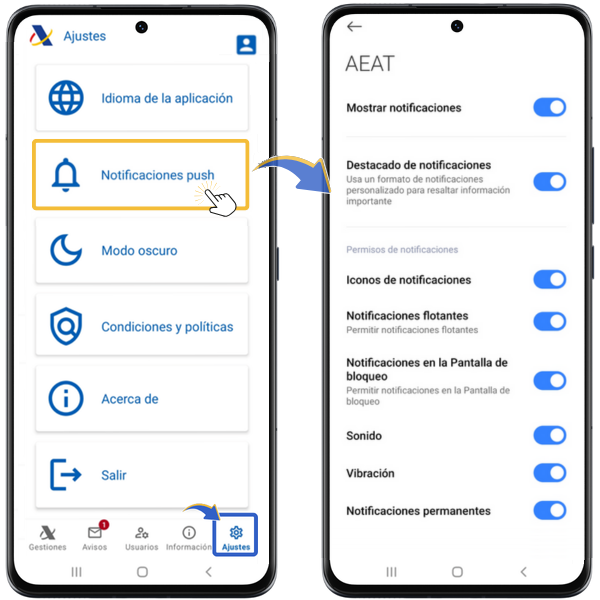
 In " Push Notifications" you will access your device settings so you can select the preference options for receiving push notifications.
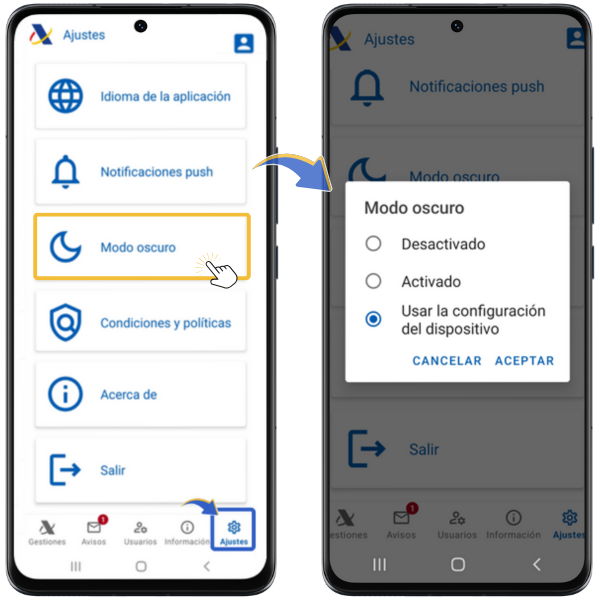
In the next block, "Dark mode", you can configure how you view the screen, with three options: "Off," "On," and "Use device settings," so you can select the one that best suits you.
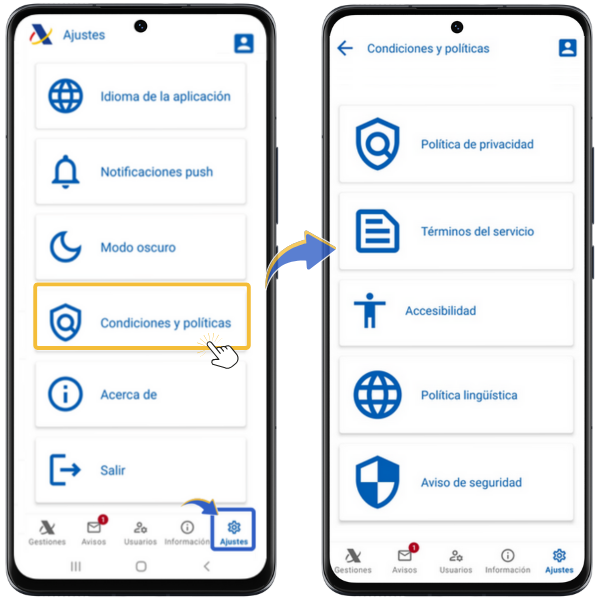
The option "Terms and conditions" It includes various contents: "Privacy Policy", "Terms of Service", "Additional Privacy Settings", "Accessibility", "Language Policy" and "Security Notice".
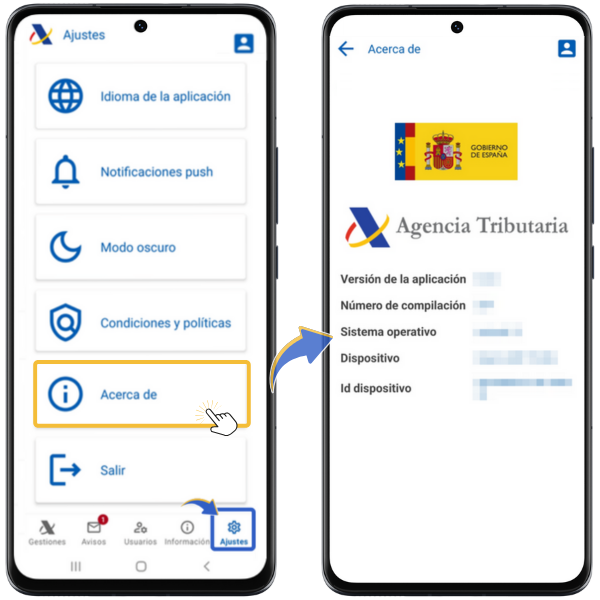
From the "About" option you can check the version of the application you are using.
Also, at the top next to "Settings", you have the option "Go out" You can access the application again using the user authentication factor you have configured (pattern, PIN, fingerprint, facial recognition, etc.).