Form 695
Skip information indexForm 695 for submission in paper form (pre-declaration)
The presentation of form 695, "Request for refund of court fees" can be done through a form that does not require an electronic certificate and that allows you to obtain a draft in PDF of the declaration.
Fields with an asterisk are required fields.
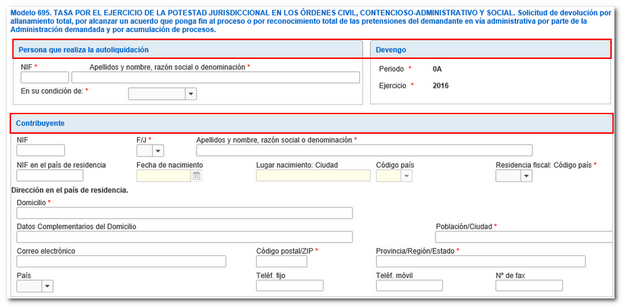
Once the model data has been completed, the declaration can be validated from the " Validate declaration " button, located in the lower options menu.
When validating the declaration, the list of errors and warnings detected will be displayed, which can be accessed for correction from the "Go to error" button next to the description of the fault.

If no errors are detected in the declaration, the description will state that there are no errors.

You can "save" the generated .ses file so you can continue later or transfer it to another device.
To recover it, click on "Load" and locate the file to retrieve the data.

To generate the PDF there is the "Generate pre-declaration" button below and you will obtain a PDF that you can save and print for submission on paper.
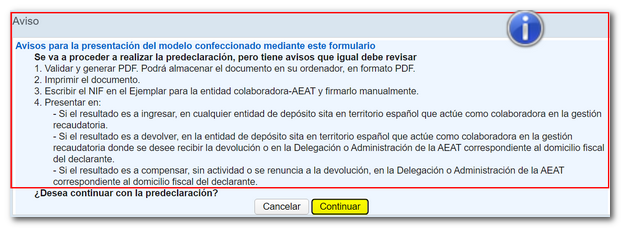
 A notification window informs you of the steps to follow for proper filing. Press "continue" to get the document.