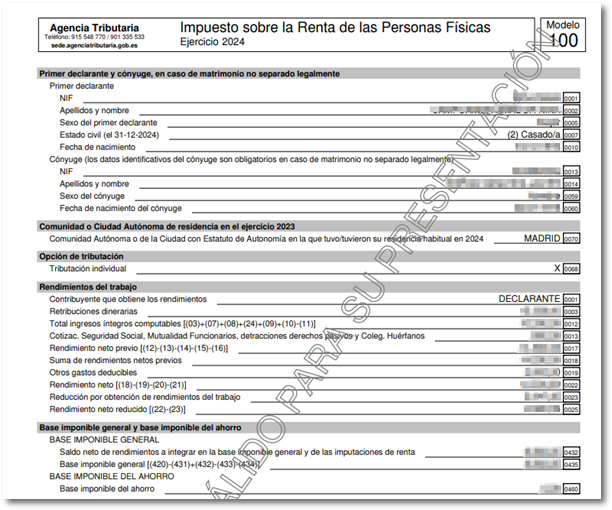
Income Tax 2024
Skip information indexWeb Rental Open 2024
"Renta WEB Open" is a version of Renta WEB that works as a simulator. It does not require taxpayer identification, it does not validate the NIF of the declarant and it does not need to have tax data; Based on the data you enter, you will be able to simulate your tax return. PIT.
Note: Renta WEB Open does not allow the filing of the declaration.
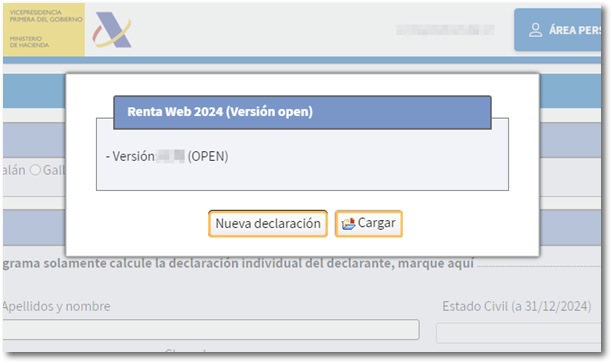
In the initial window you will see two options:
- You can start a declaration from scratch by clicking on the "New Declaration" button
- Import data from a previously saved declaration created with the same application (.ses file) from the "Load" button
Select the language and enter the complete identification data, although no validation will be carried out against the Tax Agency census. If you have started a new declaration, you must include all personal and financial data to simulate the result.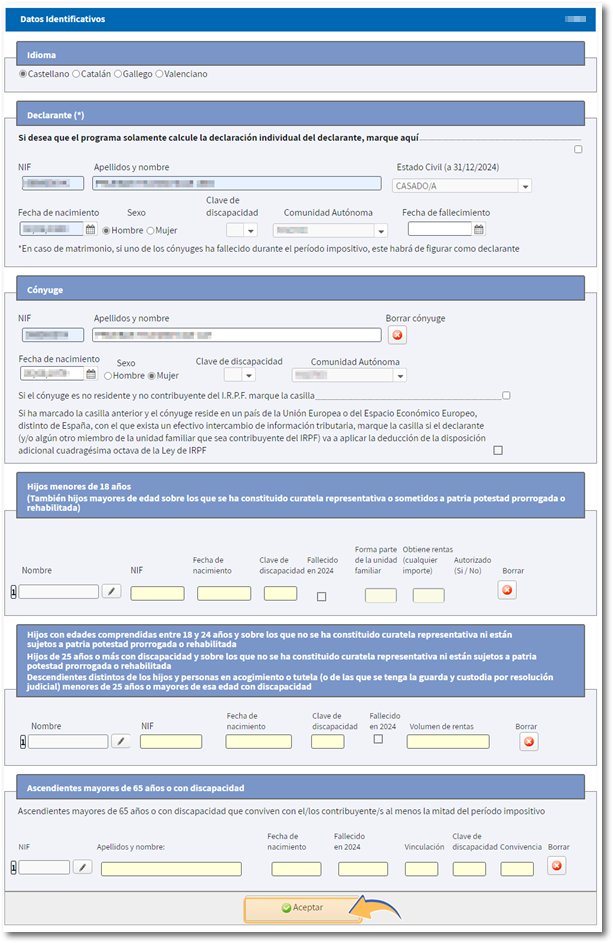
Once the identification data screen has been accepted, you will directly access the results summary.
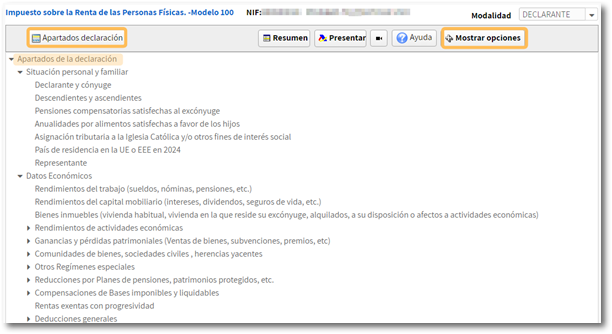
To start simulating your tax return, you can access the different sections of the tax return from "Tax return sections" or click on the numerical links next to each concept.
Please note that the data is entered from the individual forms and the joint declaration is automatically recalculated with the data entered in the declarations of each declarant.
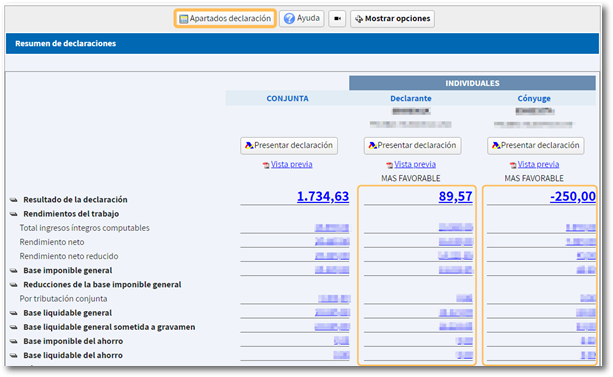
Again in the declaration, you will have a breakdown of links that direct to the different sections of the declaration. Clicking on "Show Options" expands the button bar with more actions, including the arrow command to navigate between the pages of the declaration.

From "Search box" you can locate sections of the declaration by box number or concepts.
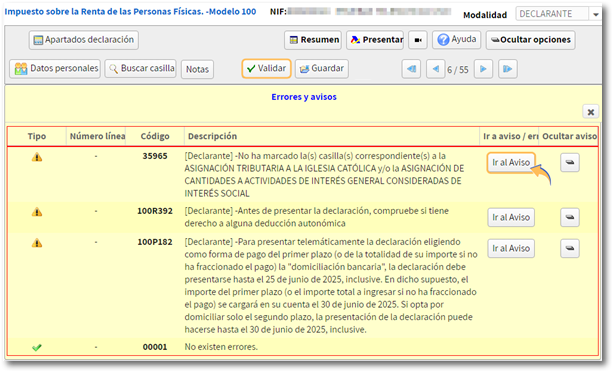
The "Validate" button analyses the completion that has been carried out and detects any warnings and errors.
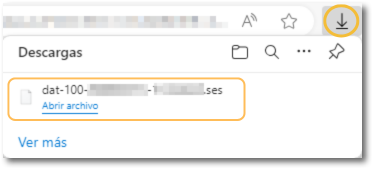
If you want to recover the completed declaration at another time, press the button "Save" to obtain the .ses file, which you can recover from the initial window by pressing the option "Load" . You can choose the location where the file will be downloaded, which by default is stored in the folder that your browser has set as default. The file will be named dat-100- NIF del declarante- fecha.ses.

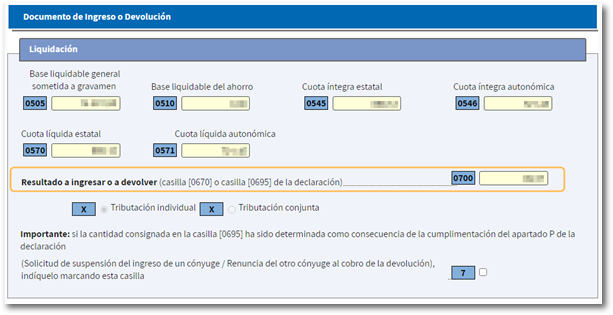
To check the result, you can access the last page, "Deposit or refund document", or the declaration summary.
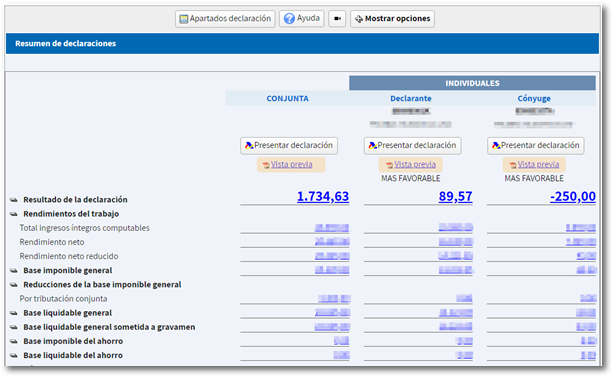
Renta WEB Open allows the generation of a PDF with the "Preview" of the declaration although this document is not valid for presentation.