How to import a valid copy of your electronic certificate
Skip the table of contentsMacintosh – Import a copy of the certificate into Google Chrome
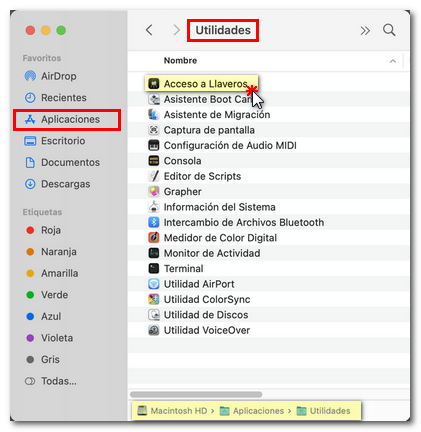
If you are using a Macintosh operating system and the Google Chrome browser, the electronic certificate must be installed in Mac ’s ‘Keychain Access’. Launch the application from ‘Finder’, ‘Applications’, ‘Utilities’, ‘Keychain Access’.
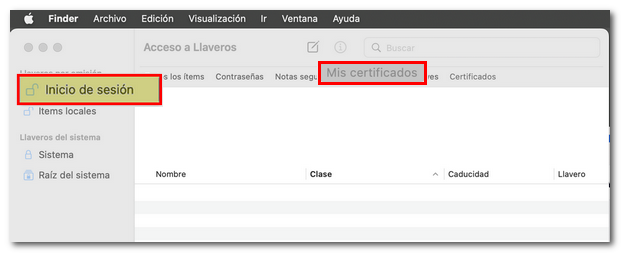
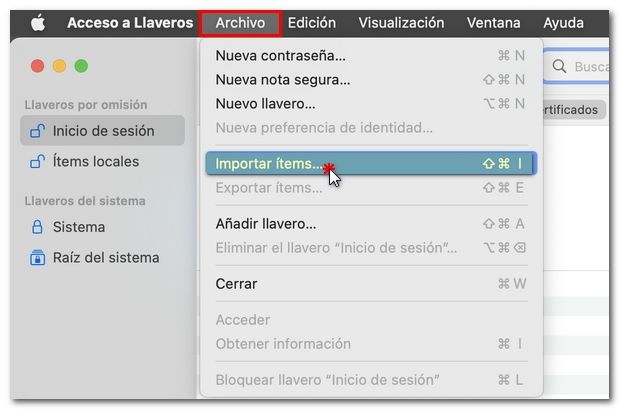
Go to ‘Login’, ‘My certificates’ and click on ‘File’, ‘Import items’ or ‘Import items’, depending on the version.
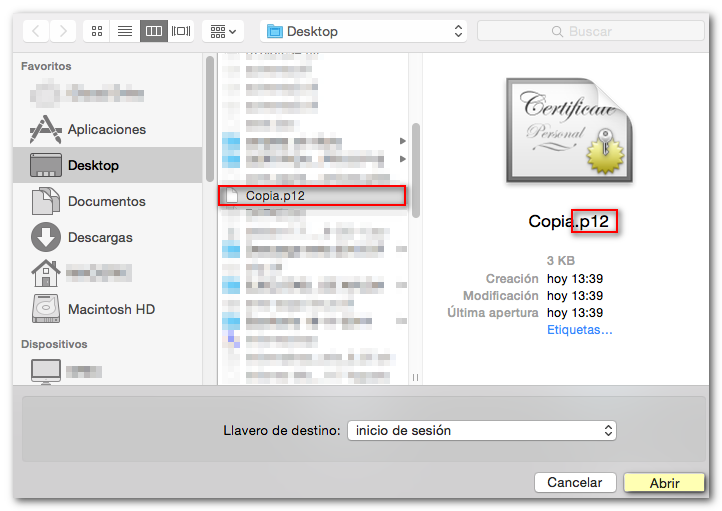
Select the .p12 or .pfx file containing the backup of the electronic certificate and click "Open".
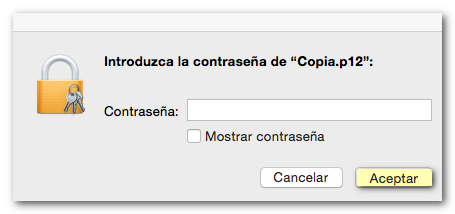
If necessary, you will need to provide the password that was set when the certificate was exported.
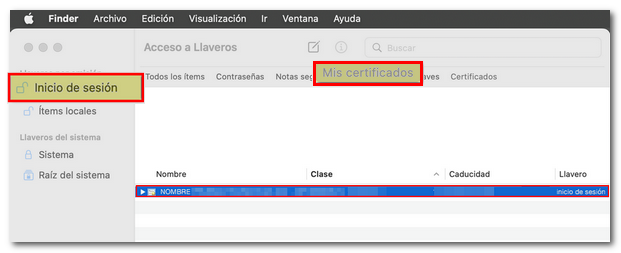
If the import is successful, the certificate will appear in ‘Key Ring Access’.