Model 380 – Technical support
Skip the table of contentsConsulting Form 380 tax returns
The ‘Enquiry’ option allows you to view the tax returns that have been submitted by logging in with a digital certificate, an electronic DNI or Cl@ve.
Select the financial year, the taxpayer’s tax identification number and click ‘Search’.

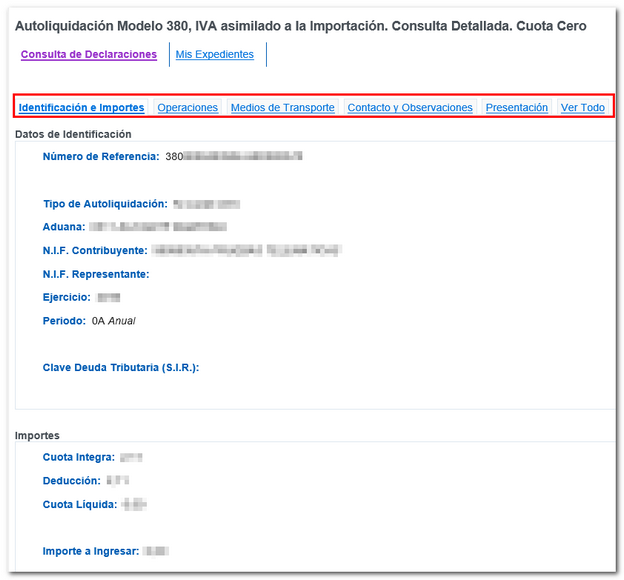
A list will be displayed based on the search criteria specified. To access all the content in a presentation, click on the code in the ‘Reference Number’ field.

Information on the details of each tax return will be organised under each of the tabs: ‘Identification and Amounts’, ‘Transactions’, ‘Means of Transport’, ‘Contact and Comments’ or ‘Submission’, and the complete tax return can be viewed under ‘View all’.