Income 2016
Skip information indexSecurities Portfolio 2016
The online "Stock Portfolio Service" program allows you to obtain an informative summary of the operations carried out in 2016 relating to shares listed on official Spanish secondary securities markets (Stock Exchanges) or those defined in Directive 2004/39. / EC , of the European Parliament and of the Council, of April 21, 2004.
To use this application it is necessary to indicate all the operations carried out from the moment of its acquisition, with the values homogeneous to those transmitted in the year.
You can access the "Securities Portfolio Service" from the procedures of form 100 in the Electronic Office.
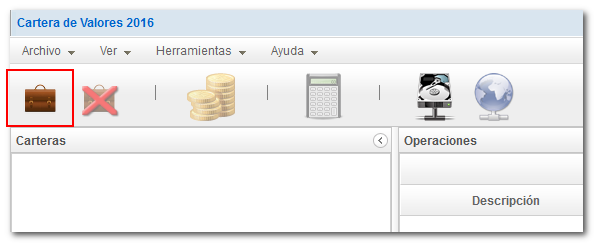
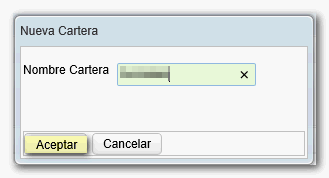
To start using Stock Portfolio 2016, go to "File", "New Portfolio" or click on the specific icon to register a portfolio in the menu bar. Assigns a name for identification purposes, which will be identical in each of the operations carried out with homogeneous values.
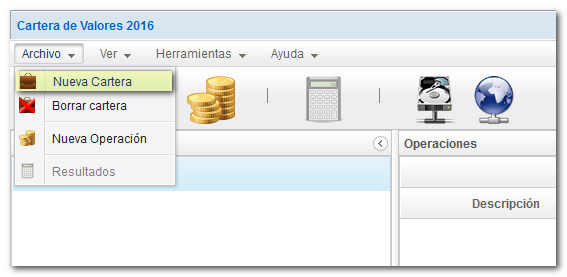
Once a portfolio has been registered, click "New operation" and fill in the required information. All boxes must have content.
The date on which the operation in question was carried out will be recorded, with the format dd/mm/yyyy, two characters for the day, two for the month and four for the anus.

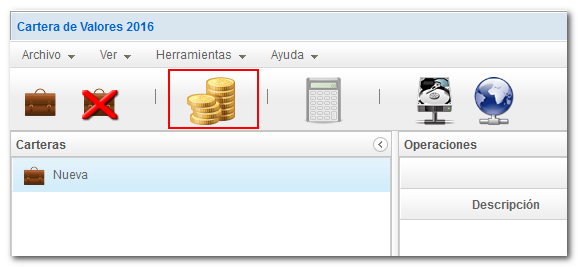
Once the data has been completed, through the specific icon in the menu bar, you can obtain an informative summary useful for calculating the capital gains or losses derived from the operations carried out during 2016. This summary shows the results obtained (transmission and acquisition values).

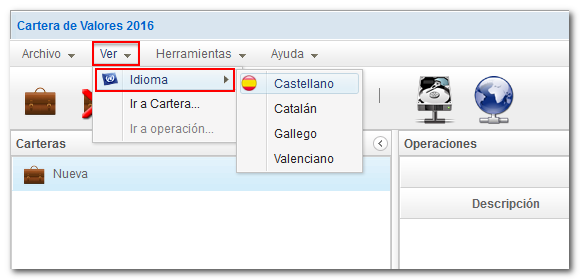
The program allows you to select the language by clicking "View", "Language" in the toolbar.
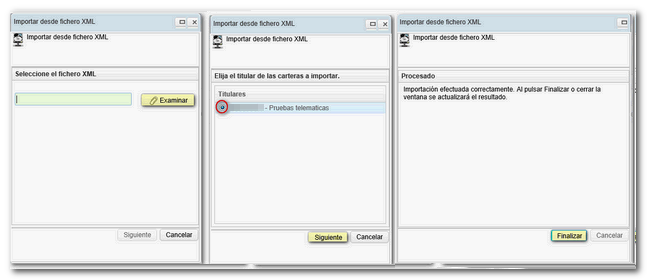
You can import stock portfolio data from an XML file that has been previously generated with the program for any fiscal year from 2011 to 2016. Press the menu icon or "Tools", "Import" and follow the wizard instructions to the end.

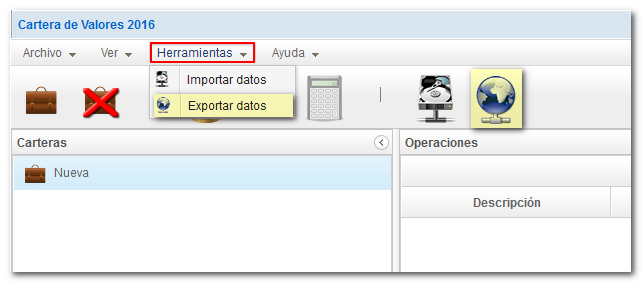
Once you have finished working with the stock portfolio, it is advisable that you export your portfolio data to an XML file before leaving the session. This way, if you later want to make any modifications, you can import them again without having to enter them all by hand again. To export your stock portfolio data, press the menu icon or "Tools", "Export" and follow the wizard instructions to the end.

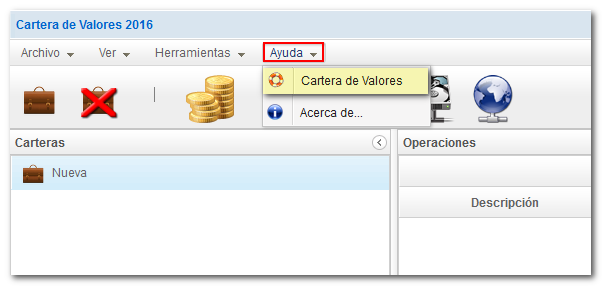
The program also has a help menu with instructions on completion.